Competency Matrix Software: Know Who’s Ready to Work
Workprove’s Competency Matrix brings training, skills, toolbox talks, health surveillance and sign-off documents into one live view, with a clear Ready or Not ready verdict for every person. And when someone isn’t ready, it tells you exactly what to fix first.

How Does a Competency Matrix Work
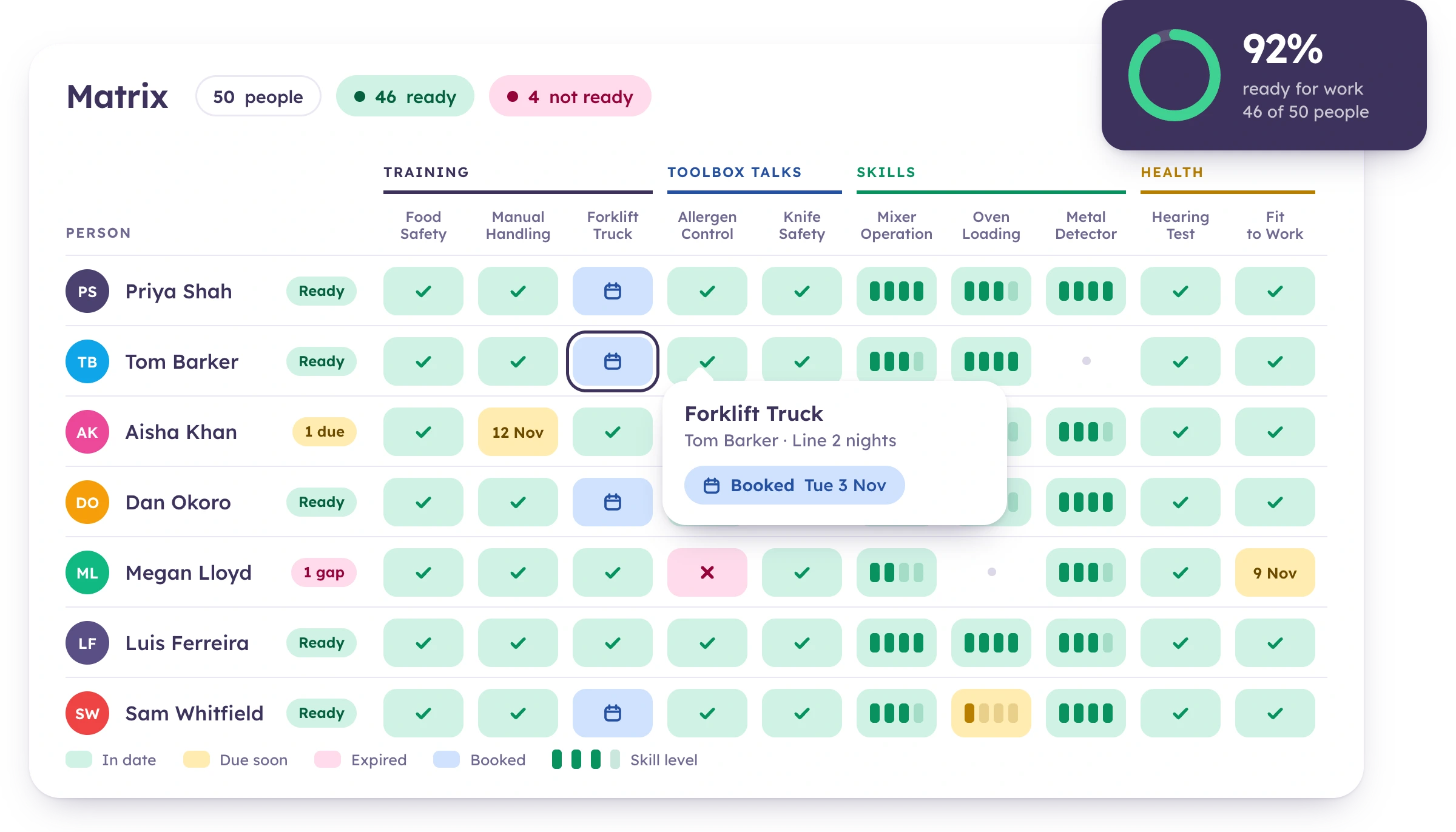
People run down the side. Requirements run across the top, grouped into bands: mandatory training, skills, toolbox talks, health surveillance, documents to read and PPE. Requirements come from each person’s role, so nobody is set up by hand.
Your training matrix, skills matrix, toolbox talk and medical views now all live on this one page. One view, not five.
Why Choose Workprove Competency Matrix Software
A training record tells you someone attended. A skills assessment tells you they can do the job. Neither tells you on its own whether that person is ready to work today. The Competency Matrix brings every requirement together and gives you the answer.
One View, Not Five
Training, skills, toolbox talks, health surveillance and documents in one grid. No more cross-checking separate matrices to find out if someone can start a shift.
A Verdict for Every Person
Ready, Renewal due, In hand, Not ready or Nothing required. A plain answer, not a spreadsheet to interpret.
Competent, Not Just Trained
Skills are judged against the level each role sets, with reassessment dates and on-the-job training tracked alongside.
From Gap to Fix in a Click
Click any cell to add a training record, book a course, assign eLearning, record an assessment or set an exemption with a reason.
Know What to Fix First
The Action Plan ranks every gap by how many people the fix would make fully ready. Your next move is always clear.
Area Managers See Their Areas
Each manager sees only their own areas. Workprove enforces this on the server, so a changed filter or shared link can’t reveal anything else.
Benefits at a Glance
From day one, the Competency Matrix replaces the question “is everything in date?” with a better one: “who’s ready, and what’s stopping everyone else?”
A Ready or Not ready verdict for every person
Every requirement type in one grid
Ranked fixes that make the most people ready
People one or two requirements from ready, flagged
Upcoming renewals by month
Filter by area, role, shift, employment type and supplier
Covers employees, sub-contractors, agency workers and apprentices
Saved views and shareable links
Excel exports coloured by status
Your Workforce Readiness. Instantly.
See who’s ready to work, who’s close, and exactly what’s holding everyone else back. All from one grid that updates as records change.
A Verdict for Every Person
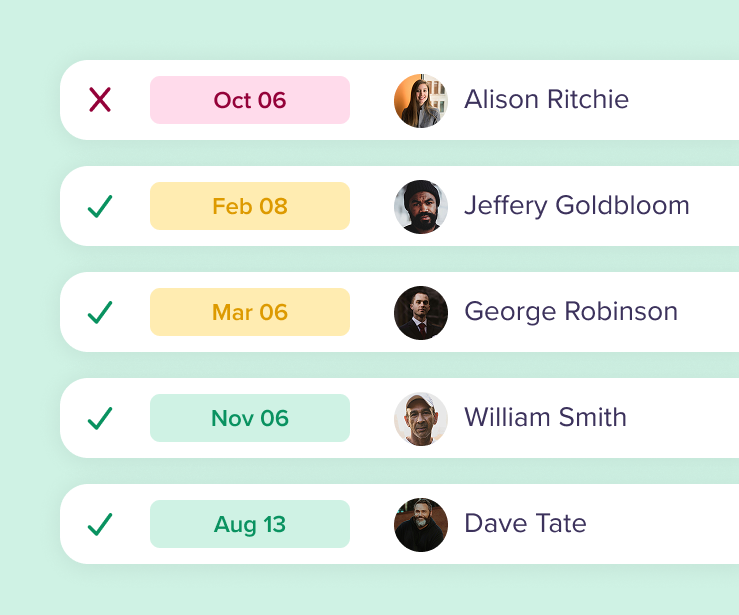
Each person has a Ready column with their verdict and a count of requirements met.
The Action Plan
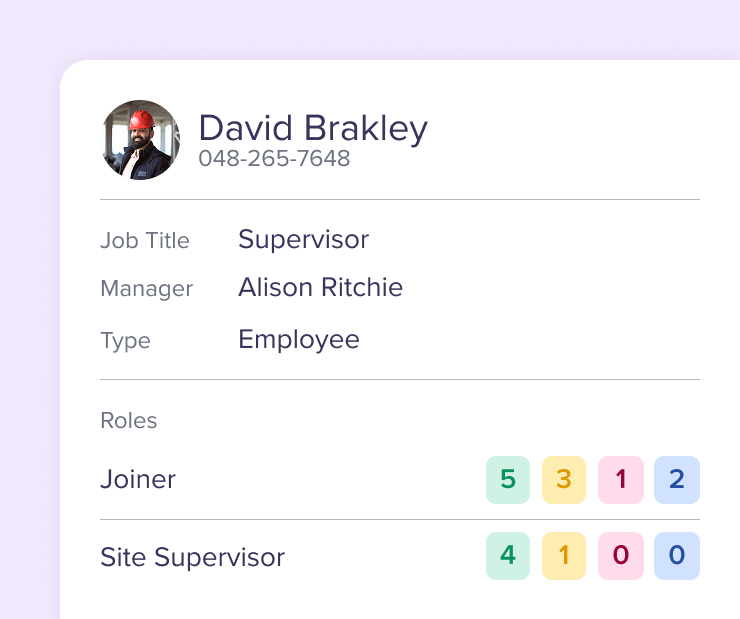
Three lists in one place. Coming up shows renewals by month. Nearly there shows who is one or two requirements from ready. Arrange opens the booking.
Every Cell Tells You Why
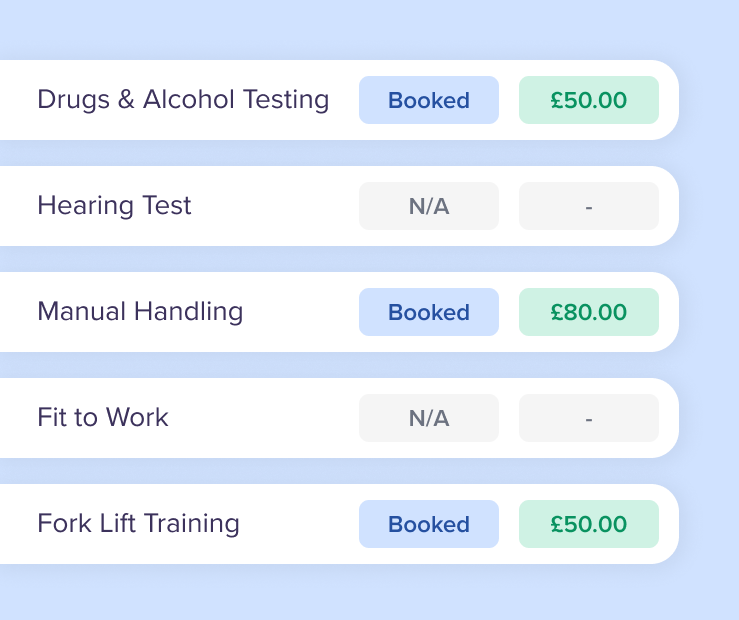
Click a cell to see its status, why the requirement applies to that person and what to do next.
-
A Verdict for Every Person
Each person has a Ready column with their verdict and a count of requirements met.
-
The Action Plan
Three lists in one place. Coming up shows renewals by month. Nearly there shows who is one or two requirements from ready. Arrange opens the booking.
-
Every Cell Tells You Why
Click a cell to see its status, why the requirement applies to that person and what to do next.
See Who’s Ready to Work Today
See how Workprove’s Competency Matrix gives you one clear answer for every person on your team.
Book a short, no-pressure demo or take a product tour to see the Competency Matrix in action.
Frequently Asked Questions
Everything you need to know about how Competency Management works in Workprove.